TOOLS FOR GRANDMA3 LIGHTING PROGRAMMERS

LIGHTING CONTROL.
REDEFINED.

Creative tools designed to make your lighting workflow faster, more flexible and more inspiring.

DESIGNED FOR THE SHOWBUILT FOR THE PROGRAMMER

PRECISION MEETS CREATIVITY

MORE CONTROL.
LESS REPETITIVE WORK.

MY LIGHT PLUGIN develops focused software tools for lighting professionals. Our plugins are built to support real programming workflows inside grandMA3 — helping you spend less time on repetitive tasks and more time shaping the show.

THE TOOLKIT

OUR PLUGINS

Two specialised tools. One creative workflow.

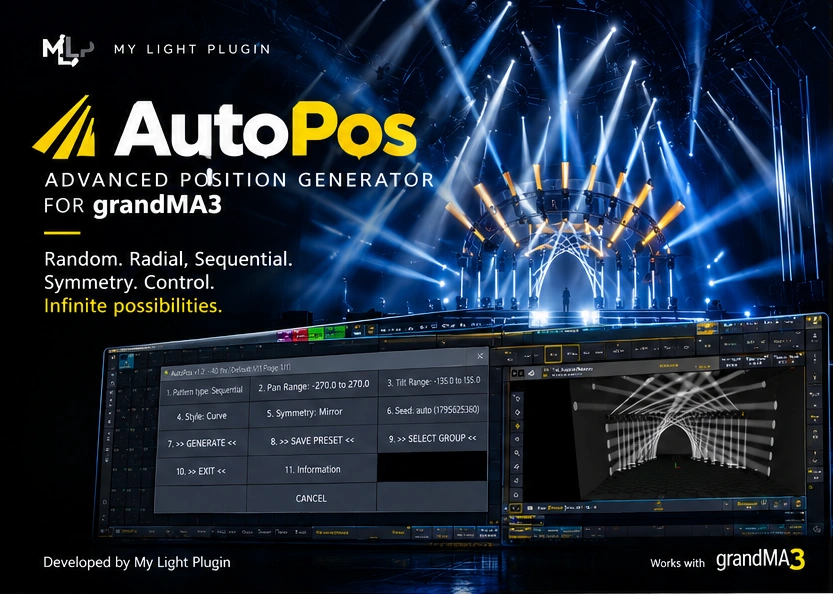
AutoPos promotional artwork with lighting positions and plugin interface

PLUGIN 01 / POSITION WORKFLOW

AutoPos

Create expressive fixture positions with speed and control.

AutoPos helps generate different position arrangements for fixture groups, including random, radial and sequential approaches, with symmetric and non-symmetric possibilities.

  • Generate position patterns for fixture groups
  • Explore random and structured arrangements
  • Work with symmetric and non-symmetric positions
  • Record generated positions as grandMA3 presets
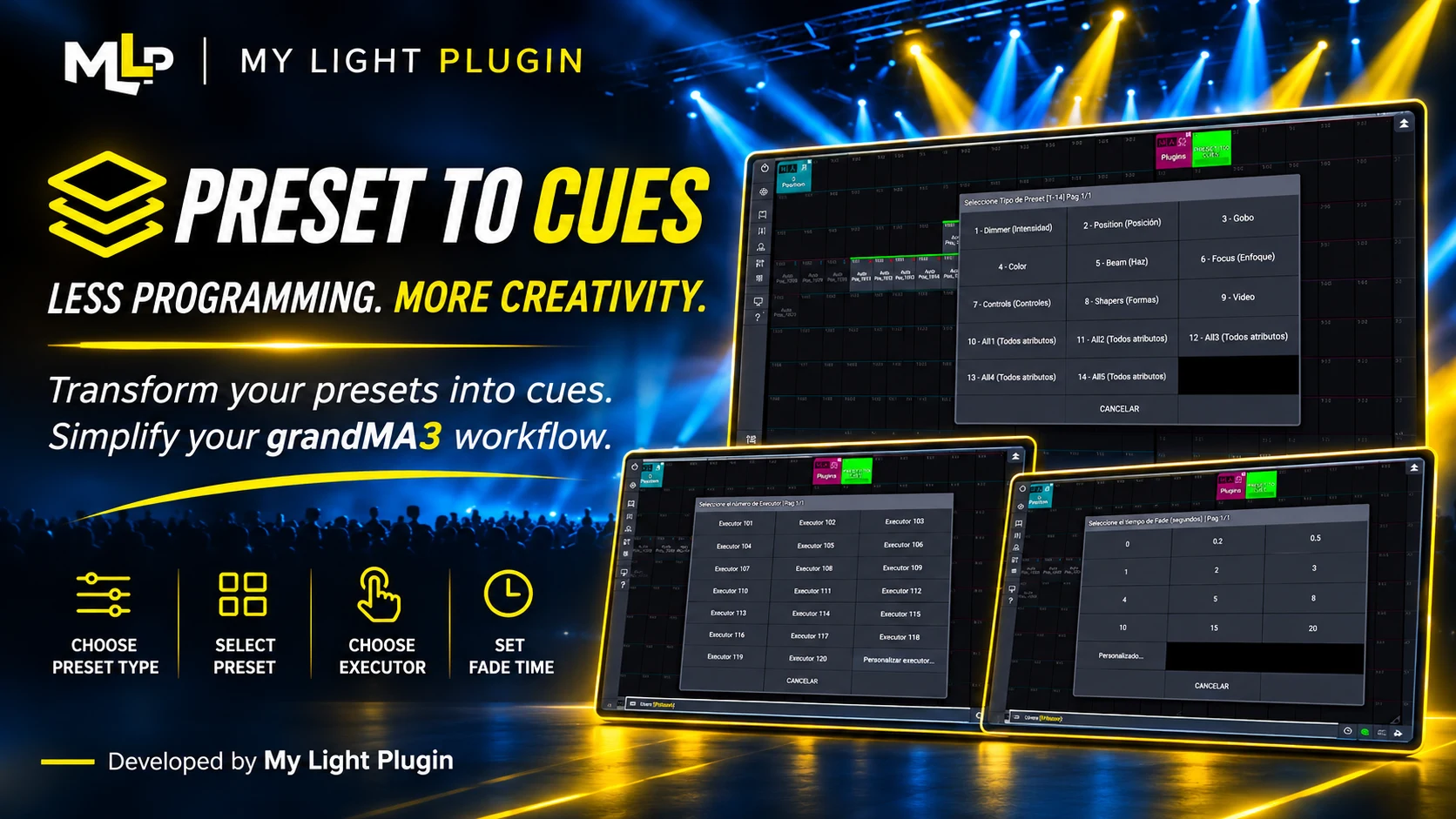
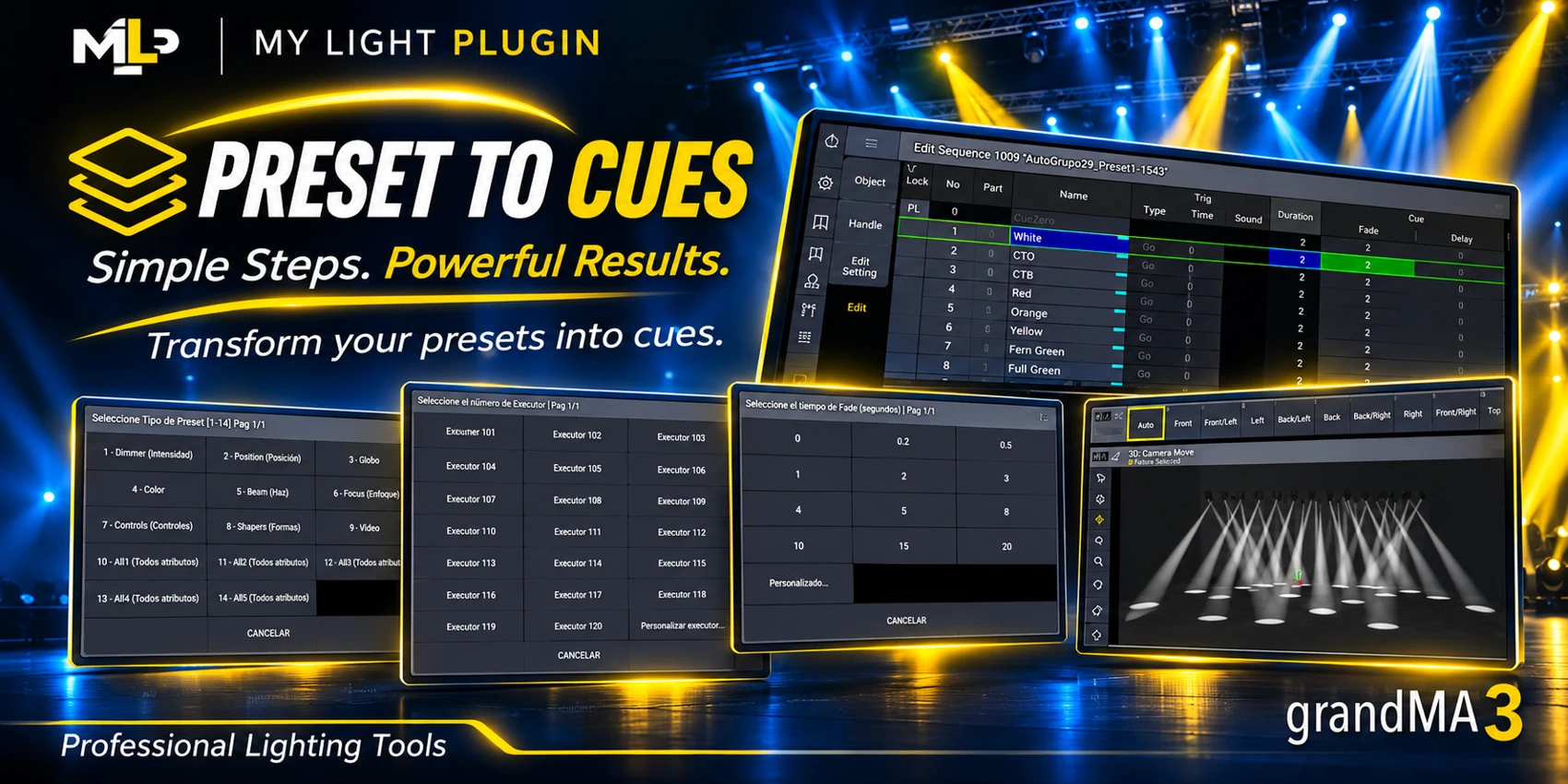
Preset to Cues promotional artwork

PLUGIN 02 / PROGRAMMING WORKFLOW

Preset to Cues

Turn selected presets into cues, ready for your workflow.

Preset to Cues lets you choose a preset type, select the preset information to record and send it to an executor, with control over the fade time.

  • Choose the preset type to work with
  • Select the presets to record
  • Set the fade time
  • Record the result into an executor

PRODUCT DEMONSTRATIONS

WATCH OUR PLUGINS IN ACTION.

Videos open on YouTube, an external service with its own privacy and cookie policies.

MADE FOR LIGHTING PEOPLE

YOUR IDEAS.
YOUR SHOW.
YOUR CONTROL.

ABOUT MY LIGHT PLUGIN

TOOLS WITH
A PURPOSE.

MY LIGHT PLUGIN creates dedicated plugins for grandMA3, with a practical focus on the needs of lighting programmers and operators.

Our goal is simple: build useful, clear and reliable tools that fit naturally into the creative process — from preparation to showtime.

GET IN TOUCH ↗

NEED A HAND?

WE'RE HERE
TO HELP.

For product questions, installation help or technical support, contact us by email.

CONTACT & SUPPORTsupport@mylightplugin.com ↗When contacting support, please include the plugin name and your grandMA3 version.

HELP & INFORMATION

Frequently Asked Questions

What is MY LIGHT PLUGIN?

We develop independent software tools for lighting programmers working with grandMA3.

Which plugins are available?

AutoPos generates fixture positions and geometric patterns. Preset to Cues creates sequences from existing presets.

Which grandMA3 version has been tested?

Both plugins have been tested with grandMA3 2.5. Check compatibility before using a different software version in a live show.

Where can I find installation instructions?

Each product page includes a free user manual, troubleshooting guide and support information in PDF format.

Where can I purchase the plugins?

Our sales platform is AddOnDesk. Contact support for purchase information while direct product links are being prepared.

How can I contact technical support?

Email support@mylightplugin.com with your plugin name, grandMA3 version, hardware and a description of the issue.

PRODUCT RESOURCES

Documentation & Downloads