
MY LIGHT PLUGIN / PROGRAMMING WORKFLOW
PRESET TO CUES.
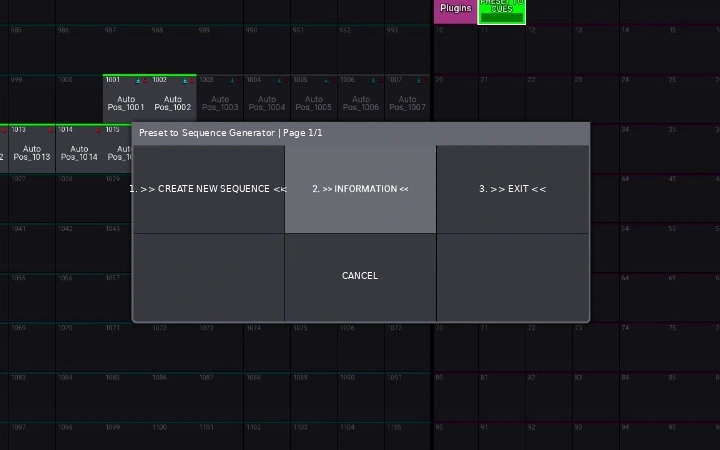
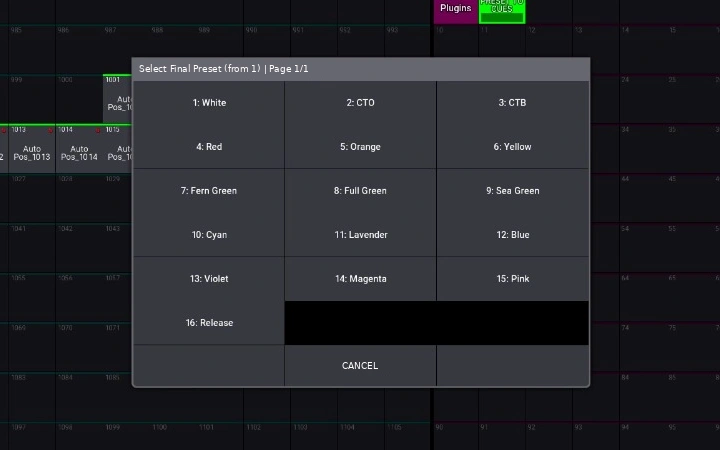
Select presets, choose a fade time and record them into an executor in grandMA3.
BACK TO PRODUCTS ↗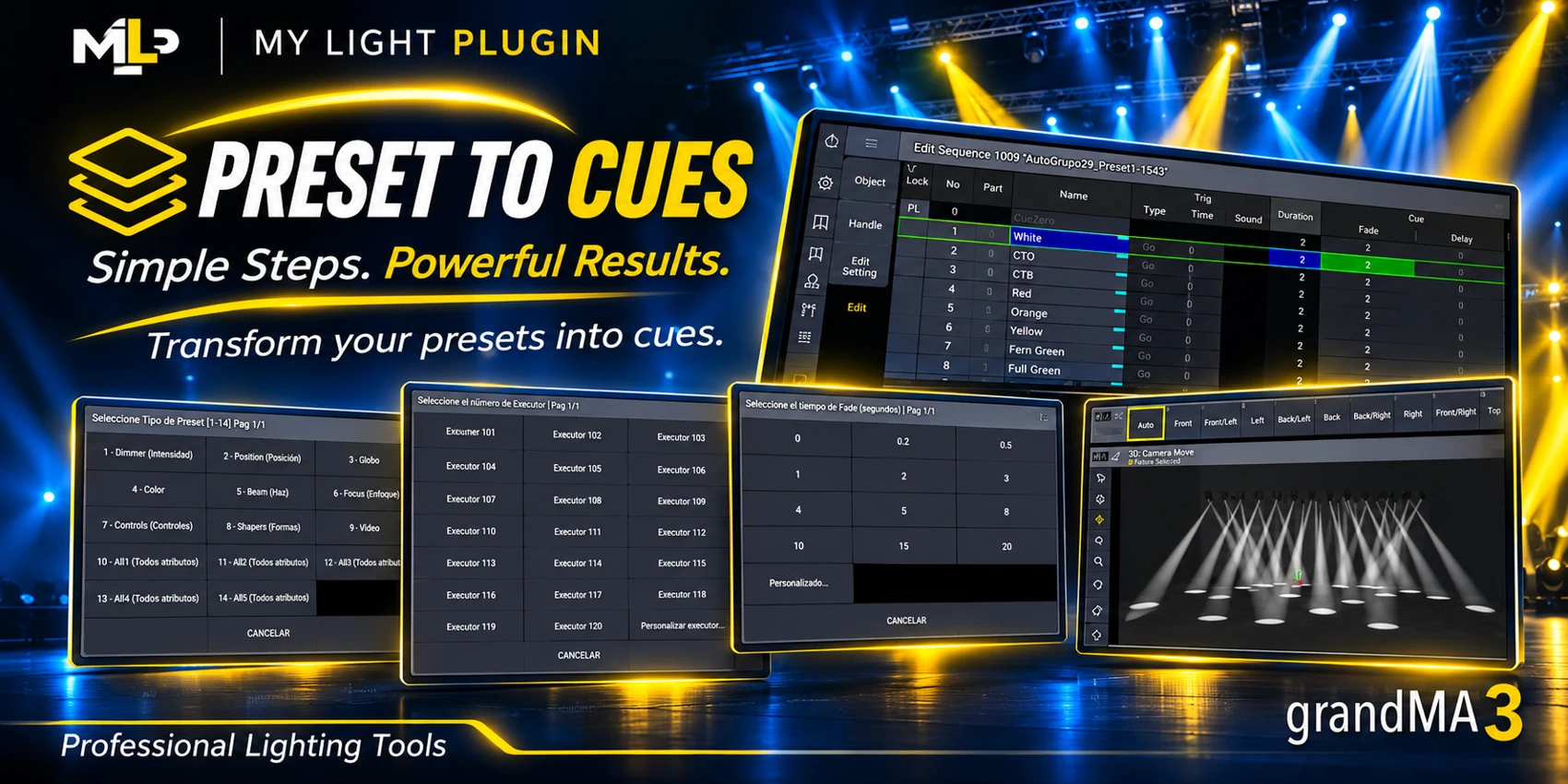
ABOUT THE PLUGIN
FROM PRESET
TO CUES.
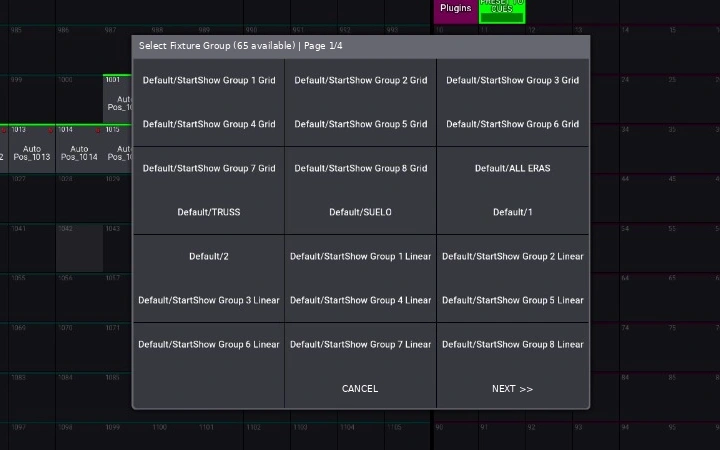
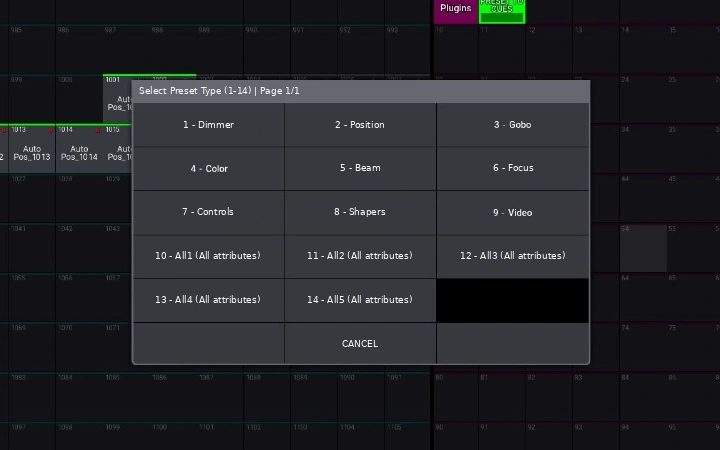
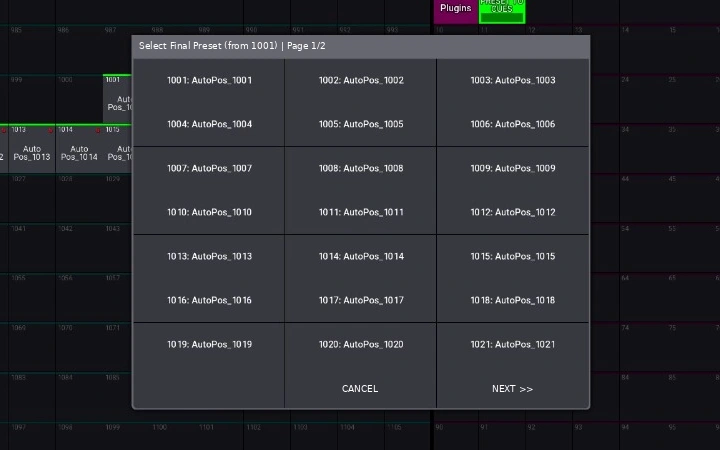
Preset to Cues is a workflow tool for lighting programmers. It lets you choose a preset type, select preset information, set the fade time and record the result into an executor.
KEY WORKFLOWS
- Choose the preset type
- Select the preset or preset range
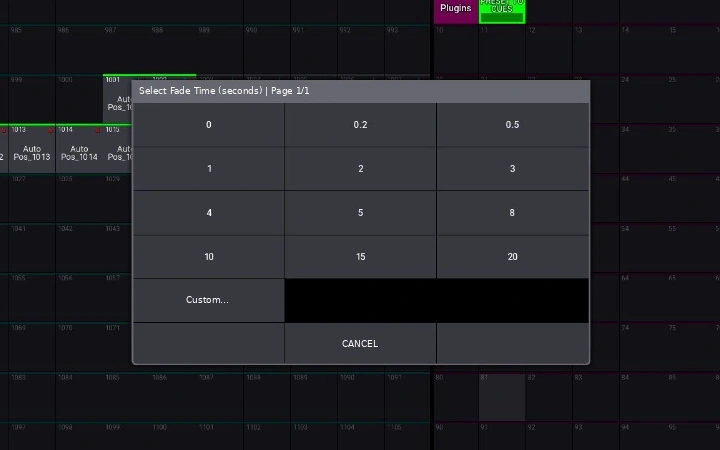
- Set the fade time
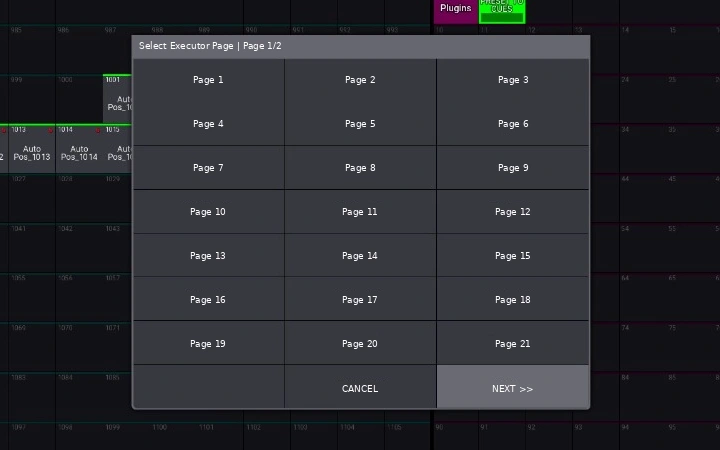
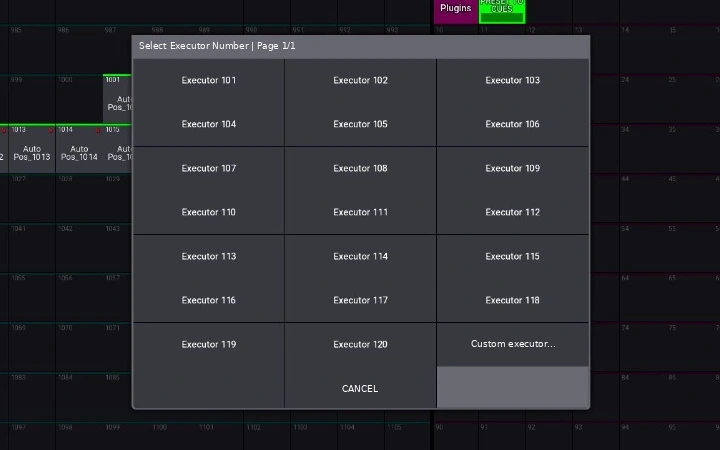
- Record into an executor
TESTED WITH grandMA3 VERSION 2.5
Sales are planned through AddOnDesk. Contact us for current availability and purchase information.
ASK ABOUT PRESET TO CUES ↗EXPLORE THE WORKFLOW
PRODUCT GALLERY
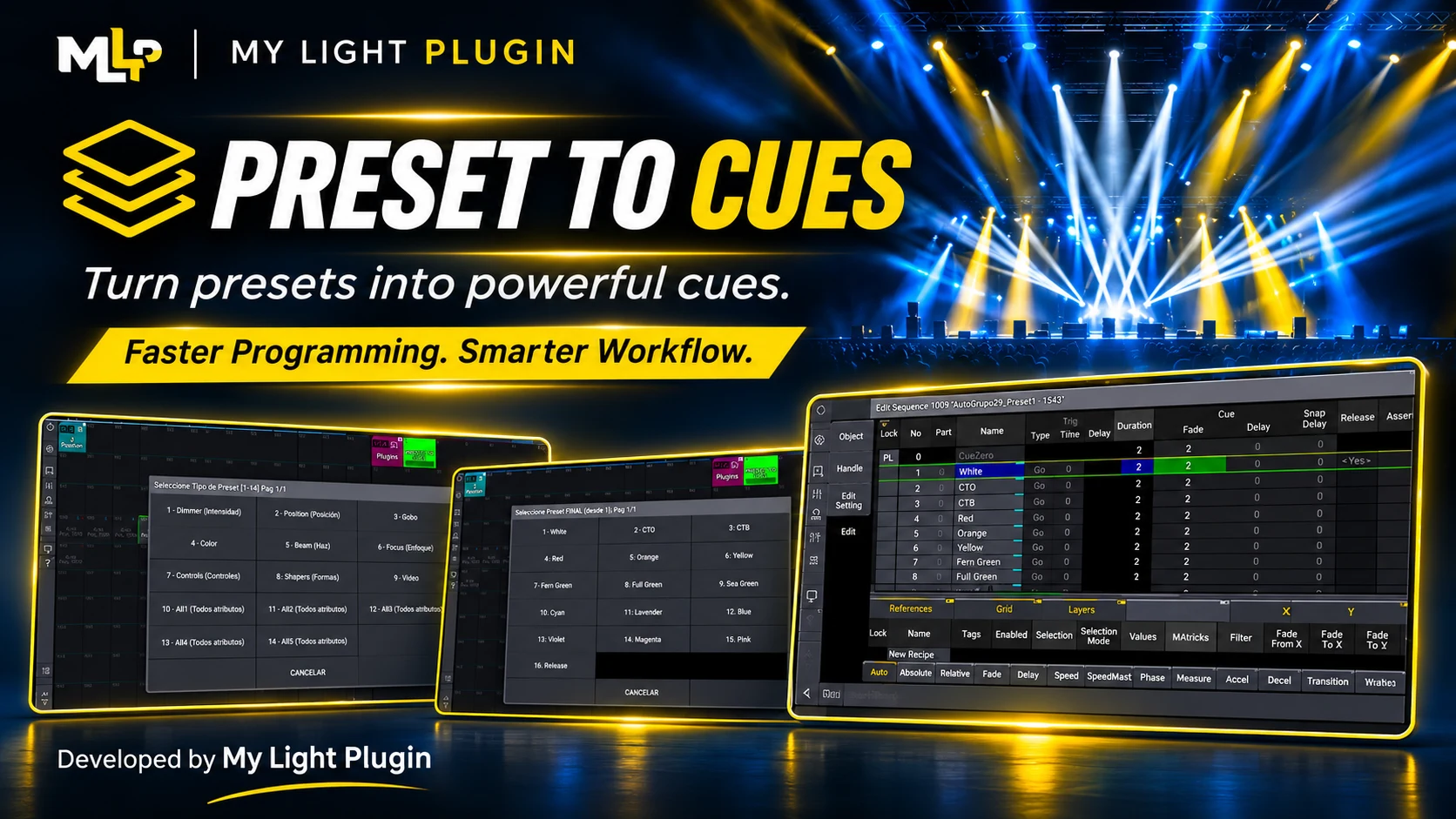

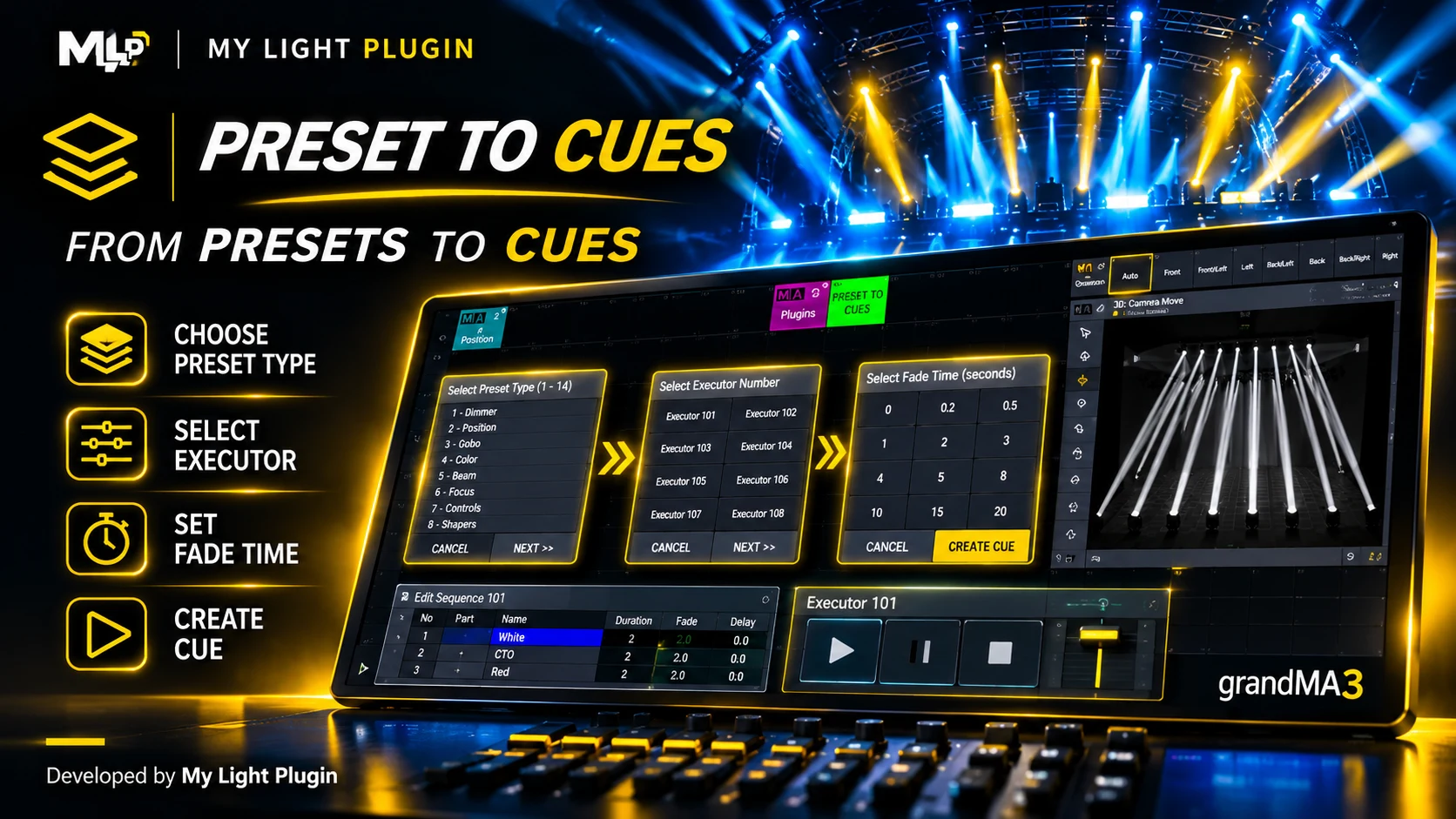
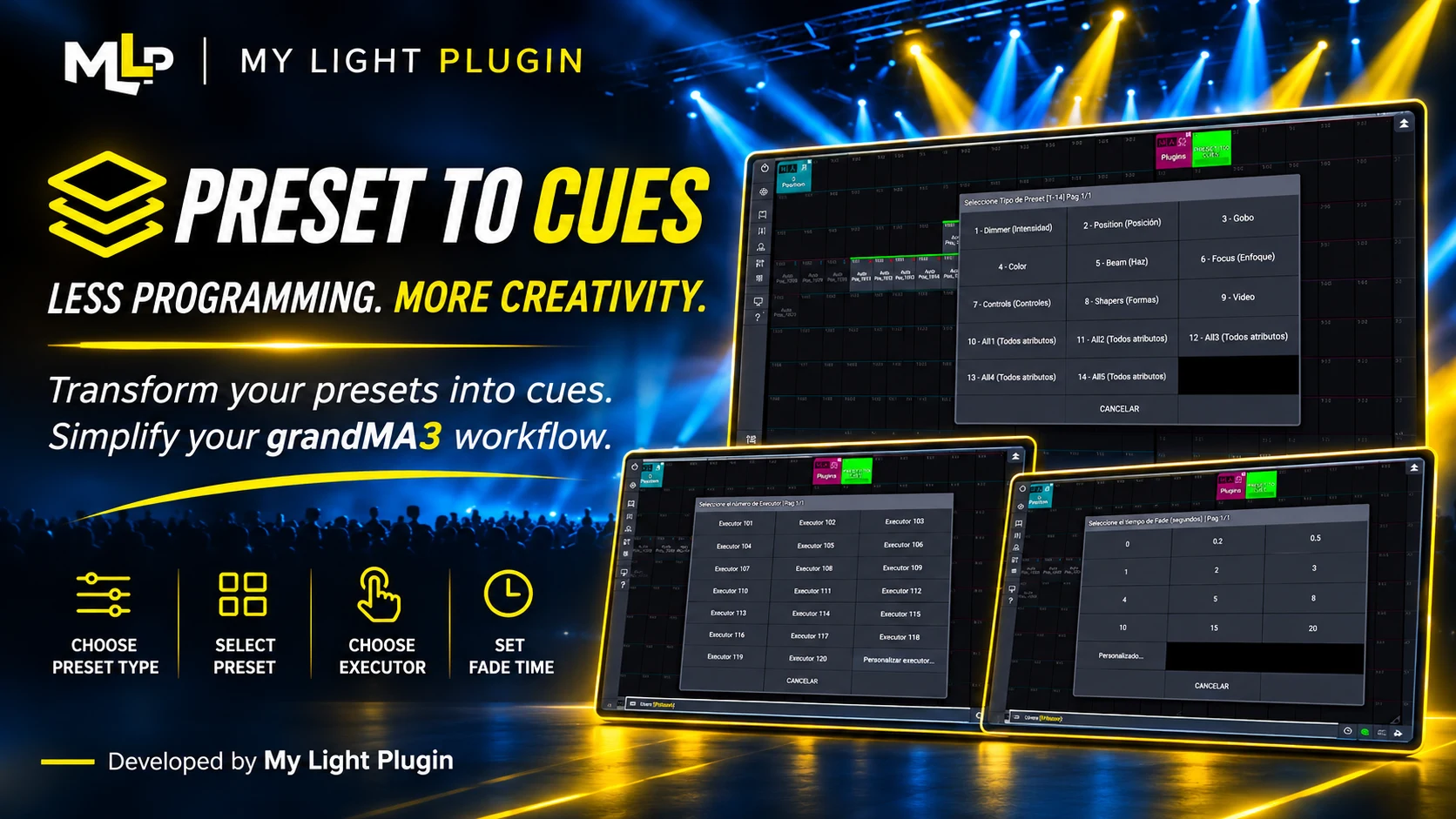
Promotional illustrations. Interface appearance may vary.
REAL grandMA3 SCREENSHOTS
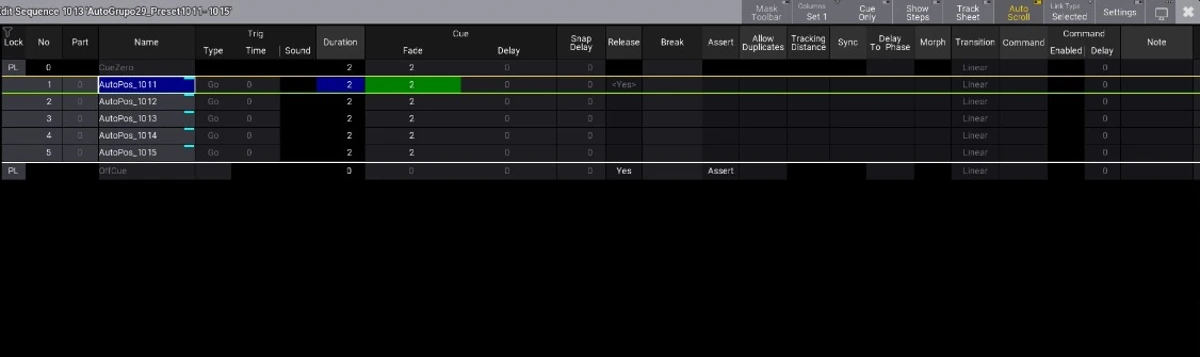
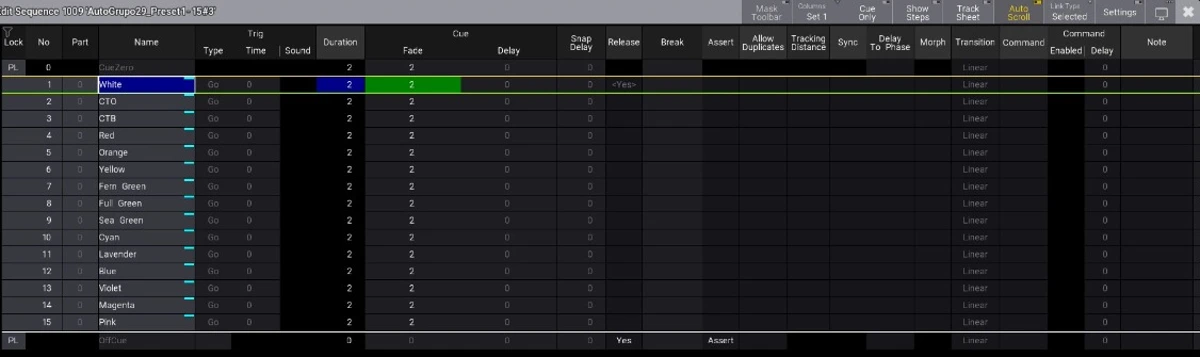
FROM PRESETS TO PLAYBACK
Plugin tested with grandMA3 2.5. Click any image to enlarge. Dialog text has been translated into English for illustration; the underlying captures are from the Spanish version.
PRODUCT DEMONSTRATION
WATCH PRESET TO CUES IN ACTION.
Videos open on YouTube, an external service with its own privacy and cookie policies.
HELP & INFORMATION
Frequently Asked Questions
What does Preset to Cues do?
It creates a sequence with individual cues from a selected range of existing presets.
Which preset pools are supported?
The manual describes standard pools including Dimmer, Position, Gobo, Color, Beam, Focus, Controls, Shapers and Video, plus All 1–5.
Can I choose fade times and executors?
Yes. The workflow lets you set a fade time and select a page and executor.
What happens if a preset is missing?
The plugin logs the missing preset and still creates a cue for that step. Check your source range or edit the generated sequence afterward.
Where is the new sequence stored?
The plugin searches for an available sequence slot from 1001 to 9999.
How do I install Preset to Cues?
Import the plugin XML into a Plugins Pool slot. Follow the installation steps in the user manual below.
PRODUCT RESOURCES
Documentation & Downloads
User Manual
Installation, setup and workflow.
View PDF ↗ Download PDF (185 KB)Troubleshooting Guide
Common issues and solutions.
View PDF ↗ Download PDF (140 KB)Manufacturer & Support
Contact and technical support information.
View PDF ↗ Download PDF (121 KB)