
MY LIGHT PLUGIN / POSITION WORKFLOW
AUTOPOS.
Generate creative fixture positions for grandMA3 with flexible random, radial and sequential approaches, including symmetric and non-symmetric possibilities.
BACK TO PRODUCTS ↗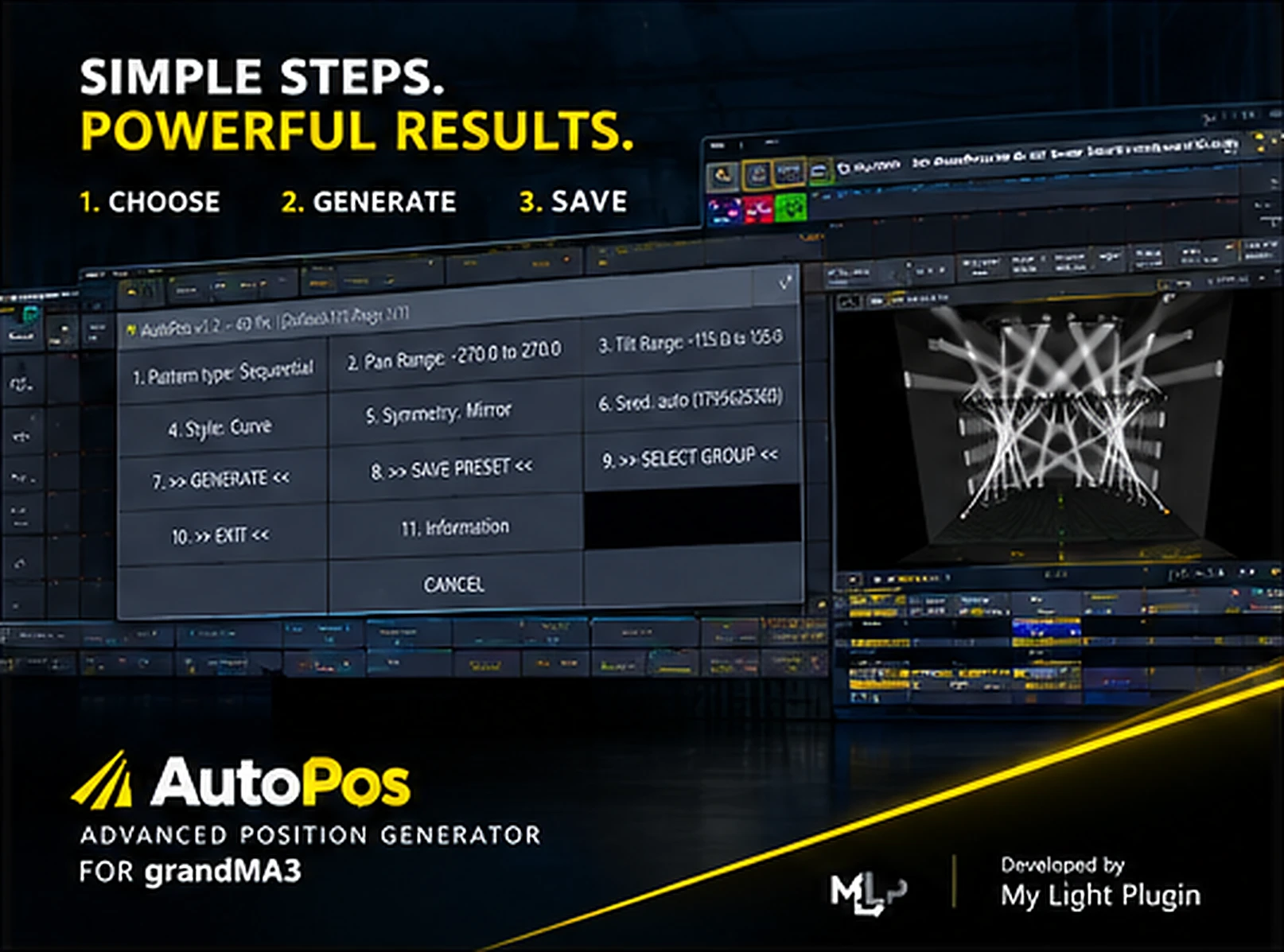
ABOUT THE PLUGIN
BUILD YOUR
NEXT LOOK.
AutoPos is a position-generation tool for lighting programmers. It helps create different position arrangements for fixture groups and record the generated results as position presets in grandMA3.
KEY WORKFLOWS
- Random position generation
- Radial and sequential approaches
- Symmetric and non-symmetric arrangements
- Position preset recording in grandMA3
TESTED WITH grandMA3 VERSION 2.5
Sales are planned through AddOnDesk. Contact us for current availability and purchase information.
ASK ABOUT AUTOPOS ↗EXPLORE THE WORKFLOW
PRODUCT GALLERY
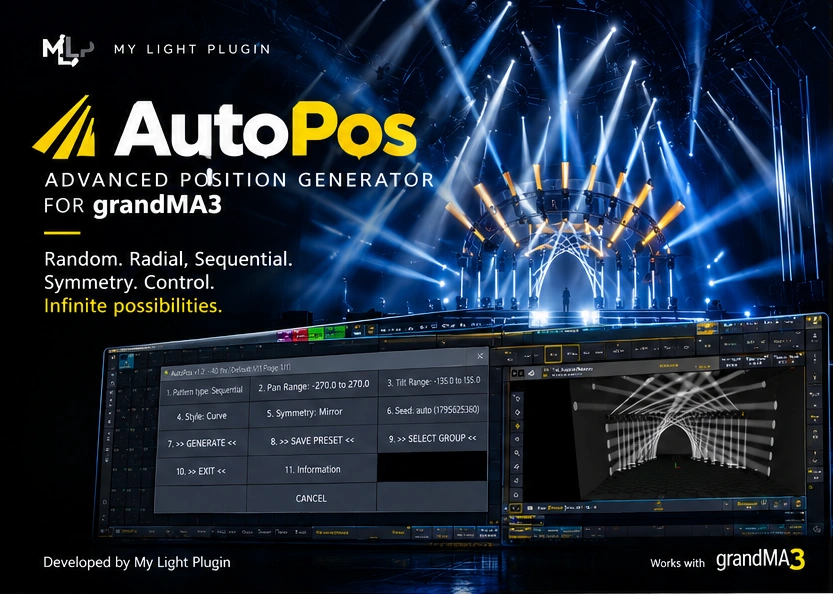
Promotional illustrations. Interface appearance may vary.
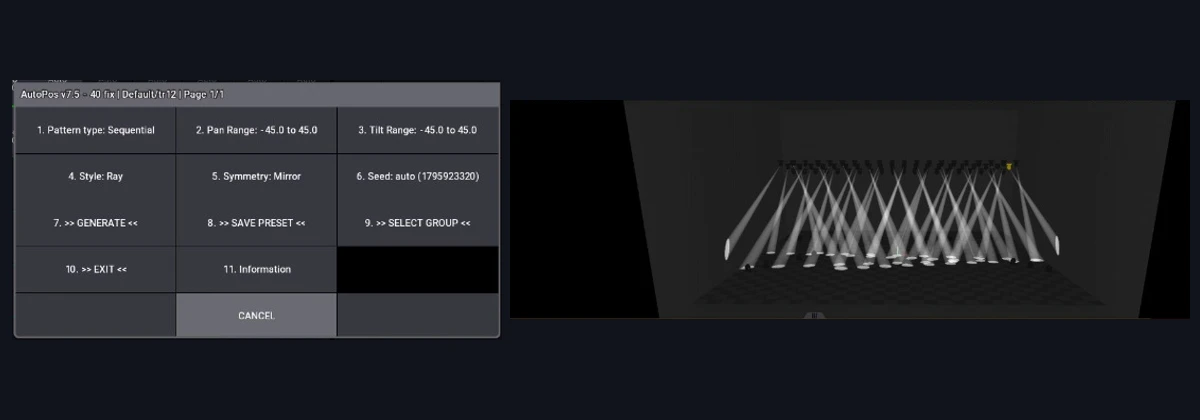
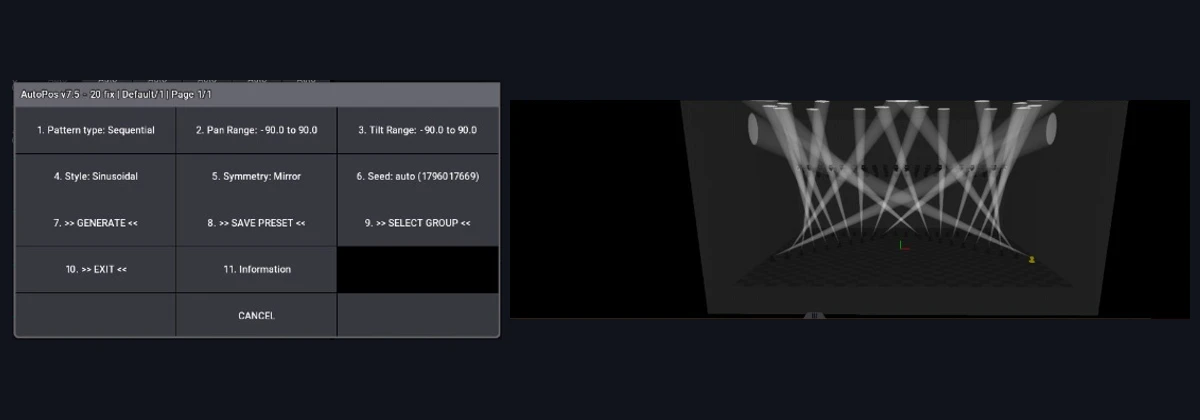
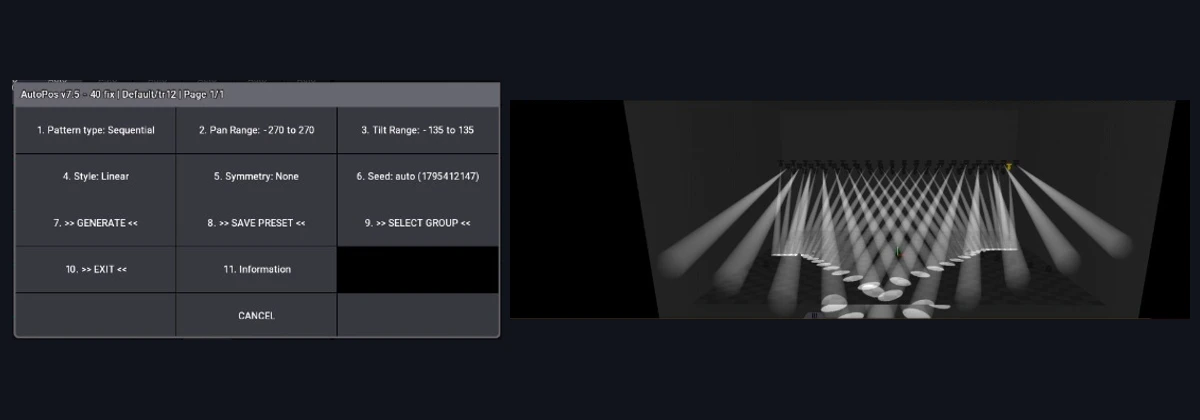
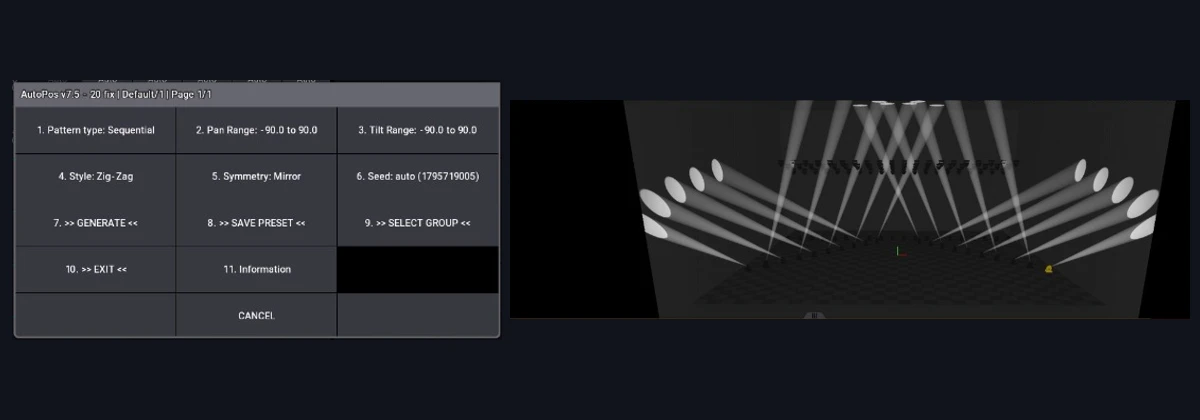
REAL grandMA3 SCREENSHOTS
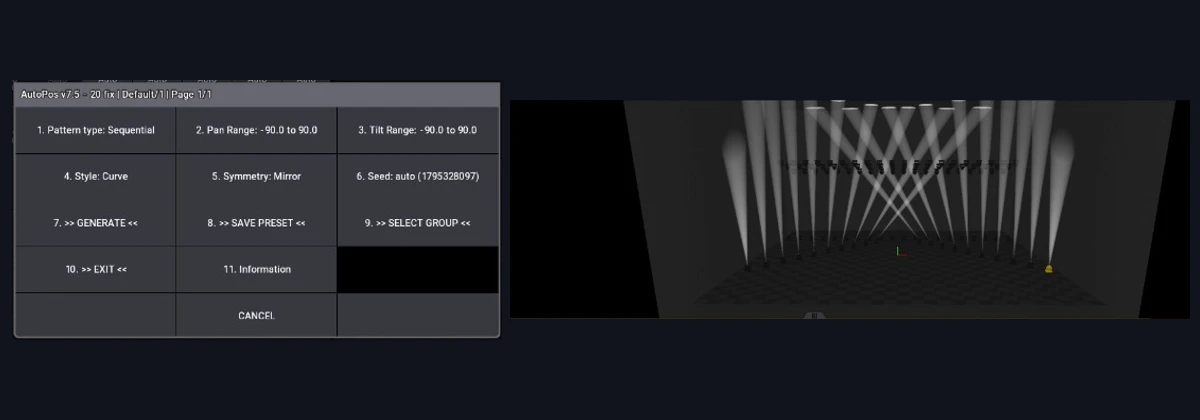
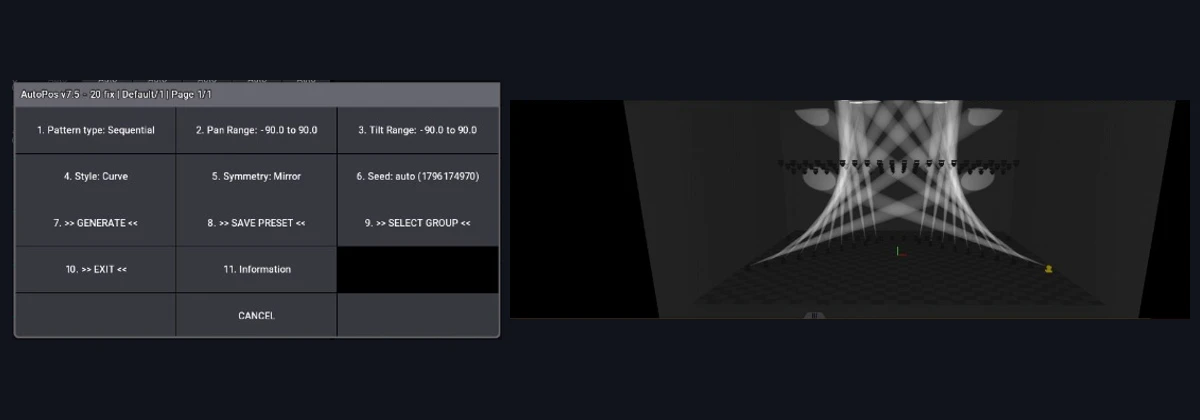
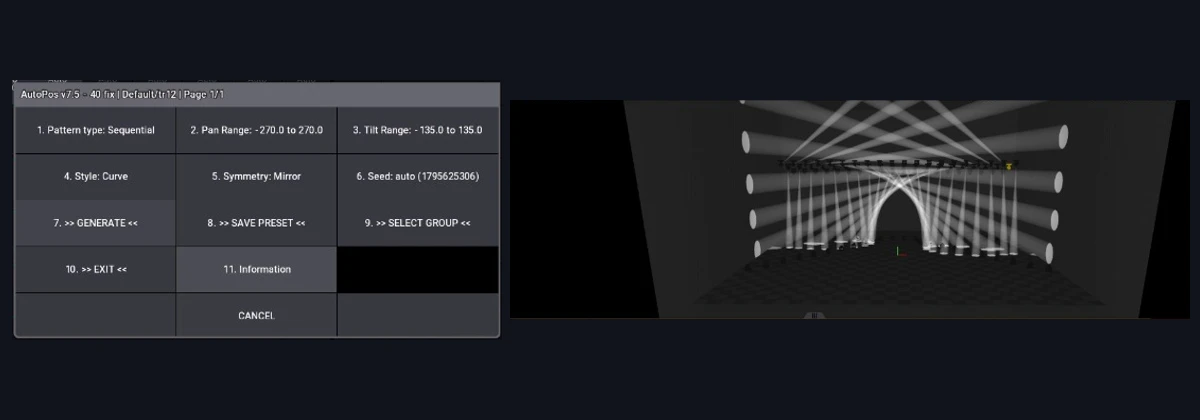
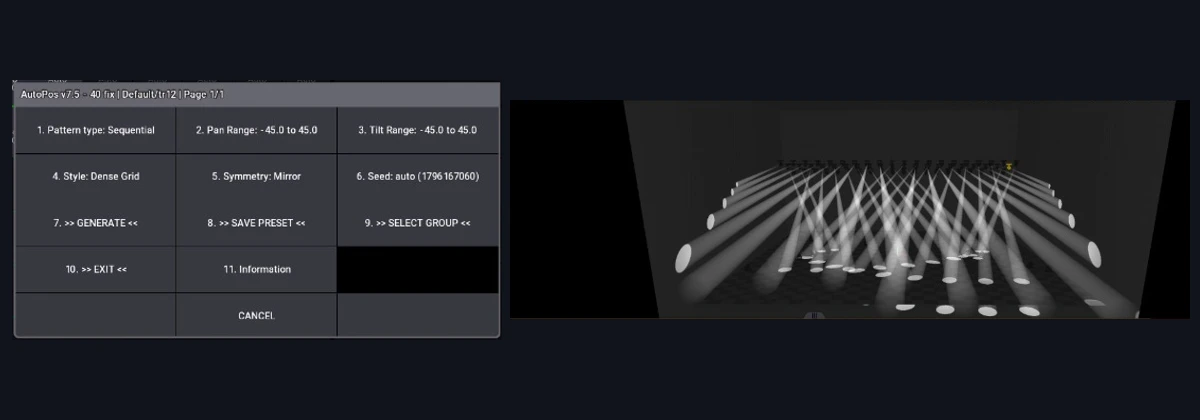
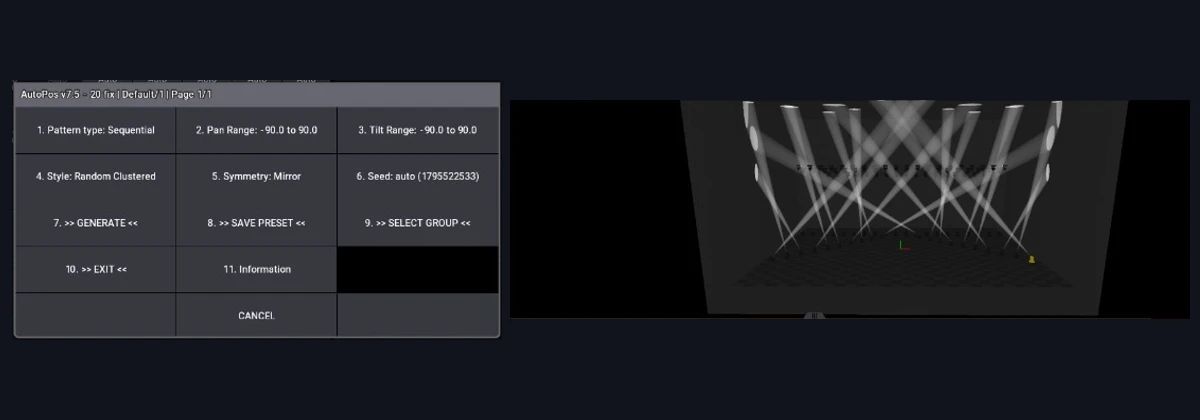
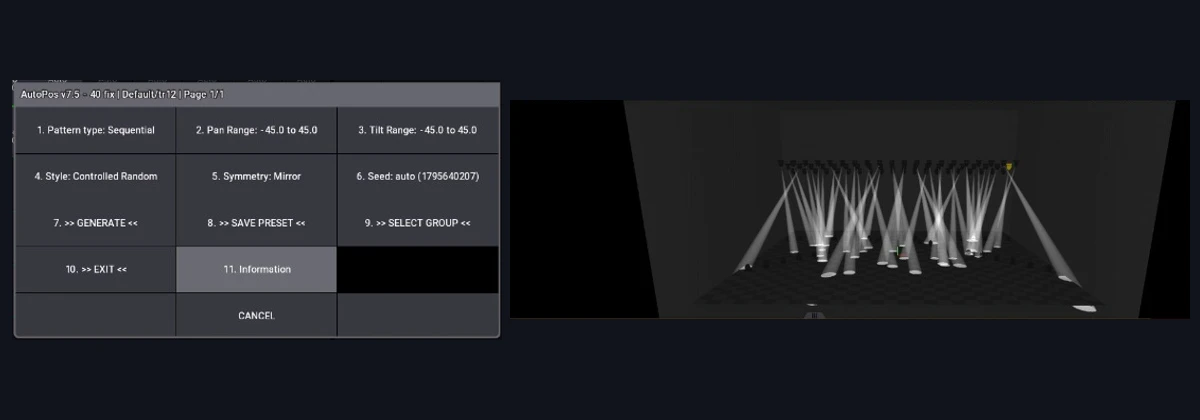
PATTERN SHOWCASE
Plugin tested with grandMA3 2.5. Click any image to enlarge.
PRODUCT DEMONSTRATIONS
WATCH AUTOPOS IN ACTION.
Videos open on YouTube, an external service with its own privacy and cookie policies.
HELP & INFORMATION
Frequently Asked Questions
What does AutoPos PRO do?
It generates Pan and Tilt positions for fixture groups and applies them to the programmer.
Which patterns are available?
The manual describes four operation modes and eleven geometric styles, including Linear, Curve, Spiral, Zig-Zag and Dense Grid.
Can I reproduce a random look?
Yes. Select a fixed seed and use the same settings and fixture group to reproduce the generated positions.
Where are position presets stored?
AutoPos searches for an available position preset slot starting at 2.1001. See the user manual and troubleshooting guide for details.
What if no groups appear?
Create a named group containing patched fixtures with Pan and Tilt attributes, then select it in AutoPos.
How do I install AutoPos?
Import the plugin XML into a Plugins Pool slot. Follow the installation steps in the user manual below.
PRODUCT RESOURCES
Documentation & Downloads
User Manual
Installation, setup and workflow.
View PDF ↗ Download PDF (248 KB)Troubleshooting Guide
Common issues and solutions.
View PDF ↗ Download PDF (179 KB)Manufacturer & Support
Contact and technical support information.
View PDF ↗ Download PDF (156 KB)